Inqita

Prayer-aware quiet mode for Android. See today's prayer times, create routine schedules, and let Inqita apply ring, vibrate, or silent mode when each window starts and ends.

Ring Vibrate Silent

The official Google Play download link will be added here when the listing is live.

Prayer times Daily schedules Overlap priority No account required
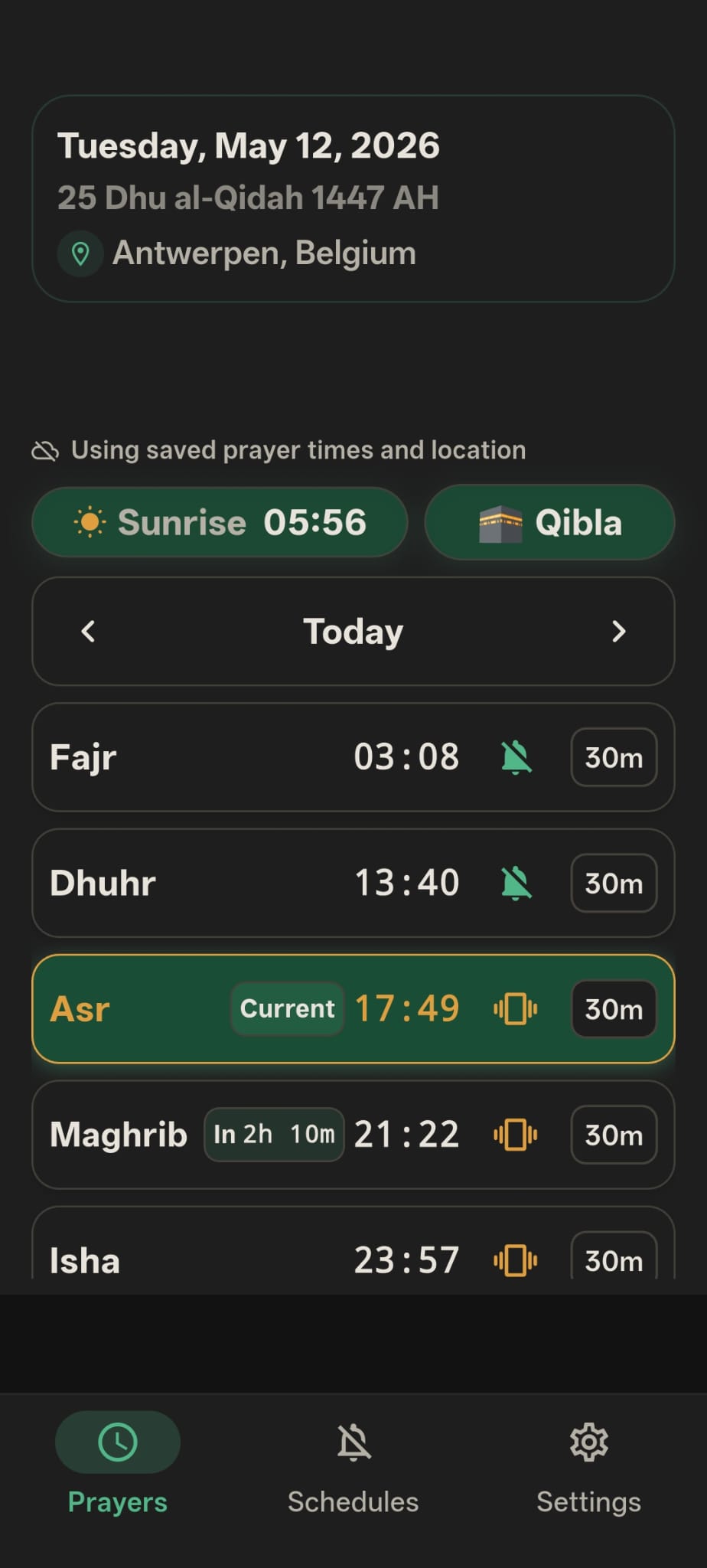
Inqita prayer tab showing prayer times, location, Qibla, modes, and quiet durations

App availability

Android app coming soon on Google Play.

Inqita is being prepared for its official Android release. Until the Play Store listing is live, use the support email for early access questions and release updates.

Request Early Access Official Google Play link will appear here after release.
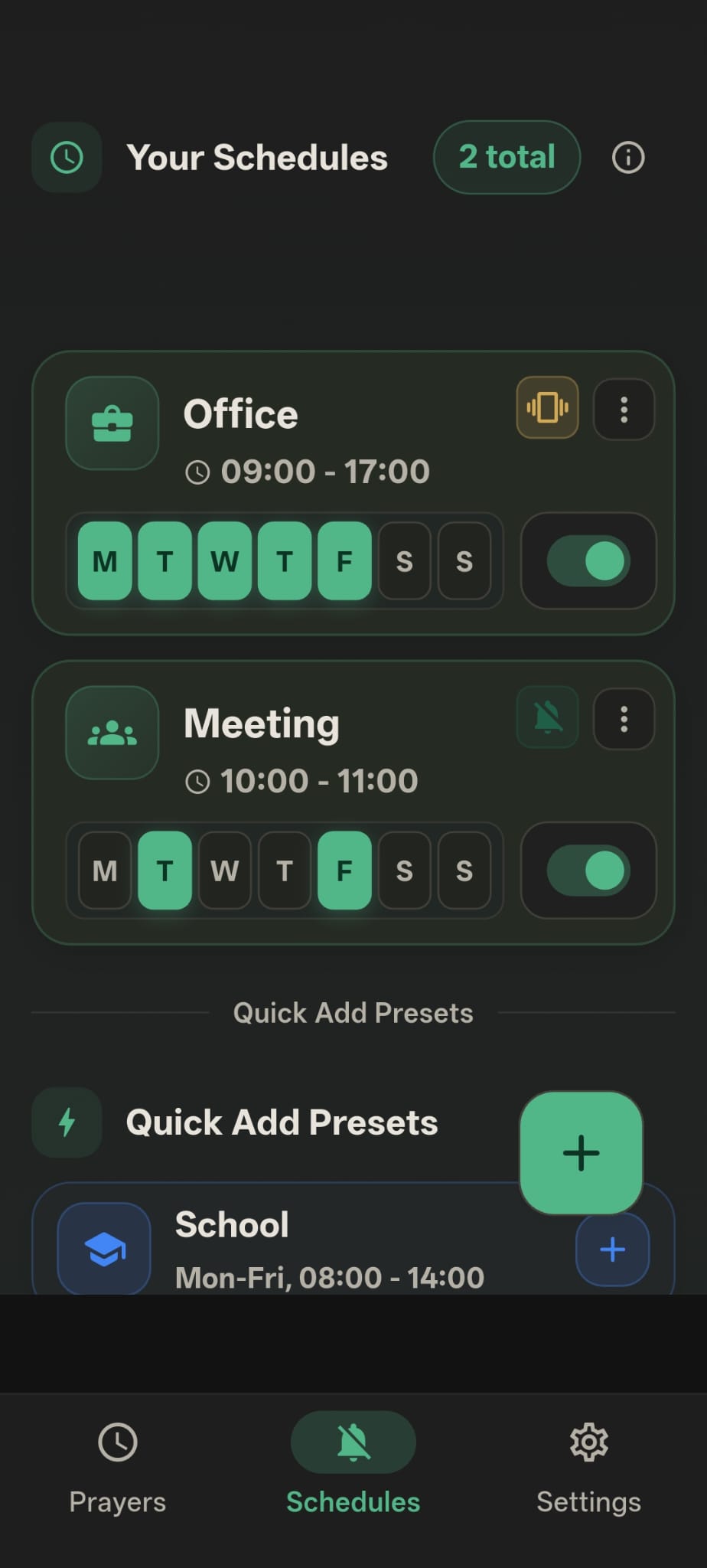
Inqita schedules tab showing Office and Meeting schedules with days, times, and mode choices

Routine schedules

Build quiet windows for work, school, meetings, sleep, and gym.

The schedule screen keeps names, days, times, selected modes, and active switches visible. You can see what is enabled without opening every routine one by one.

  • Choose ring, vibrate, or silent for each schedule.
  • Repeat schedules on selected days.
  • Use presets when you want to create common routines faster.

What it does

Built around the real screens you use every day.

Inqita combines prayer quiet windows, schedule automation, and mode priority so your phone behaves the way your day actually works.

01

Prayer quiet windows

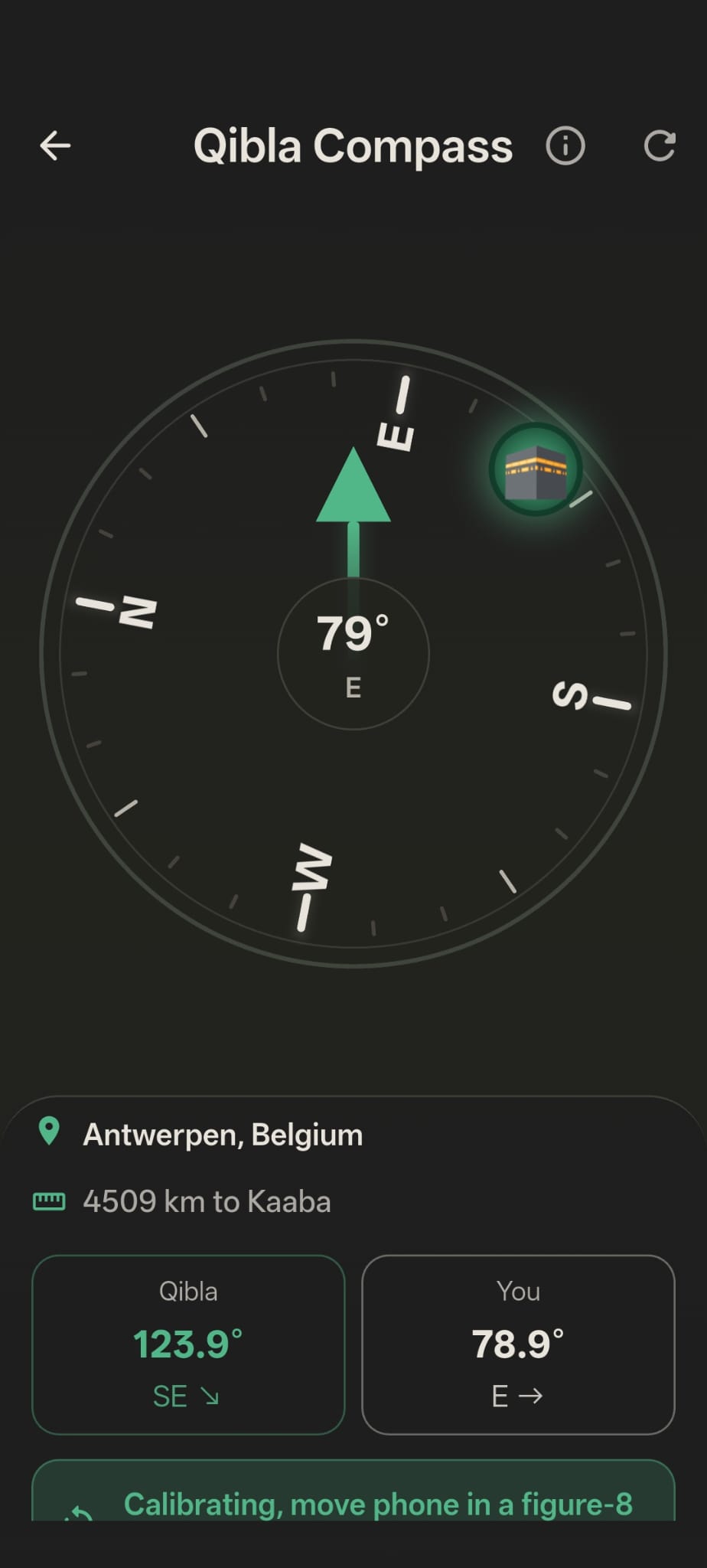
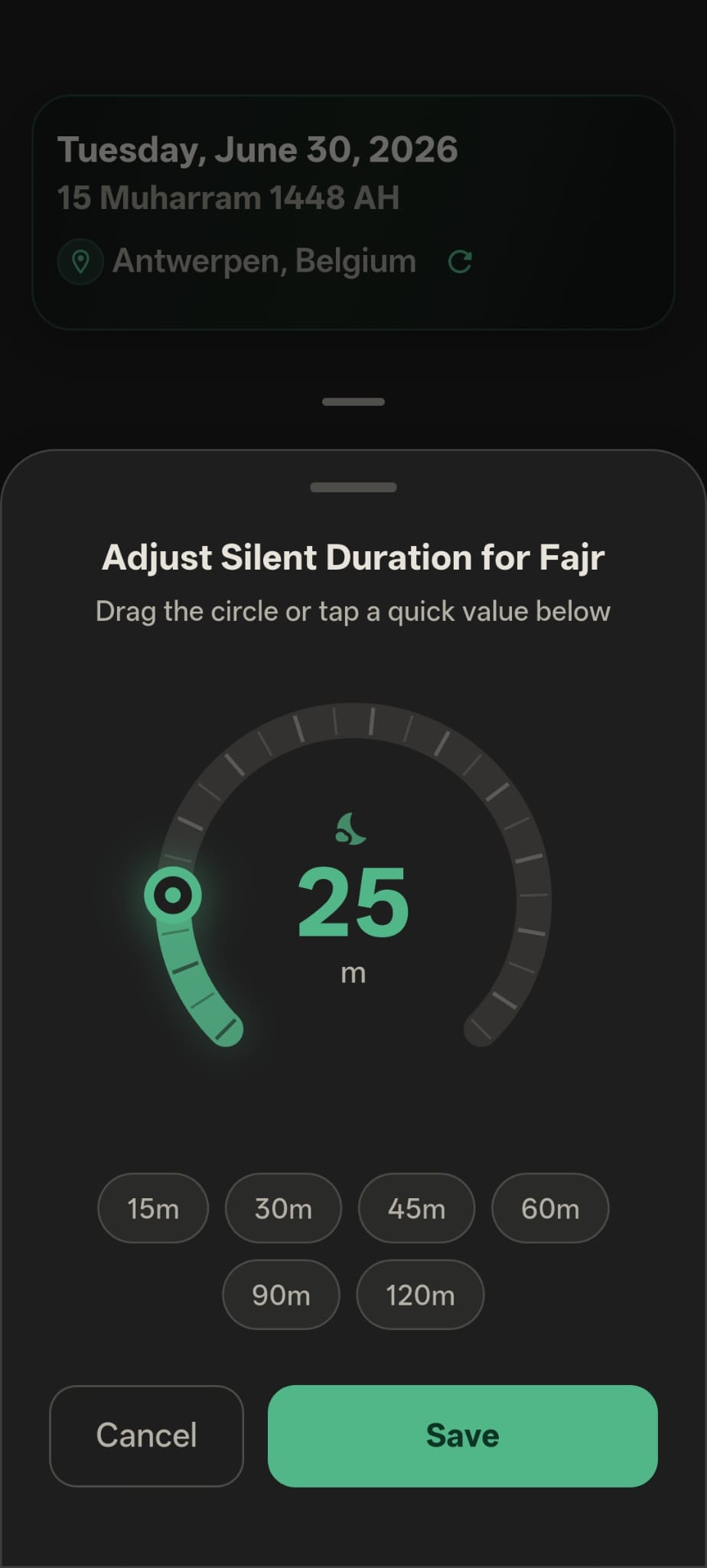
View today's prayers, location, sunrise, Qibla, selected mode, and quiet duration without digging through settings.

02

Routine schedules

Create Office, Meeting, School, Sleep, or custom schedules with start/end times, active days, and a chosen phone mode.

03

Handle overlaps clearly

When windows overlap, the strongest active mode wins: silent stays above vibrate, and vibrate stays above ring.

Start and end notifications

Inqita can notify you when schedule and prayer windows start or finish, so mode changes are easier to understand.

Automation Health report

If a phone blocks alarms or mode changes, the app can prepare a plain support report with device status and recent issues.

Made for real routines

Use Inqita when your phone should be quiet without guesswork.

Inqita is built for repeated moments: prayers, work hours, meetings, study time, sleep, gym, and any routine where the phone mode should change at the right time.

Prayer

Apply silent or vibrate during selected prayer windows.

Work

Keep office hours, meetings, and focus blocks under control.

Study

Create school or study schedules with selected days and times.

Rest

Use sleep or gym routines without manually changing phone mode.

How it works

Set the window once. Inqita handles the mode change.

Inqita is built for predictable routines. Pick what should happen, when it should happen, and which days it should repeat. The app arms the needed Android alarms and rechecks active windows when a schedule or prayer quiet time ends.

1

Choose a prayer or schedule

Use today's prayer list or create a routine like Office, Meeting, School, Sleep, or Gym.

2

Select the phone mode

Use ring, vibrate, or true silent. Silent mode can require Android Do Not Disturb policy access.

3

Let active windows decide

When times overlap, Inqita keeps the strongest active mode until that window finishes.

Overlap priority

Silent stays above vibrate. Vibrate stays above ring.

If a meeting overlaps with a prayer quiet window, or a work schedule overlaps with sleep, Inqita does not simply restore the last mode. It checks what is still active and applies the strongest mode that should currently win.

Silent Highest priority
Vibrate Middle priority
Ring Normal mode

Privacy first

No account required. Your routines stay on your phone.

Inqita is designed for local schedules and settings. Support reports are sent only when you choose to email them.

No account required

You can use the app without creating a login or profile.

Location for prayer times

Location is used to calculate prayer times and timezone. You can remove or change permissions in Android settings.

Clear support channels

Use official Inqita email addresses for support, privacy requests, and feedback.

Android reliability

Built for the permissions Android actually requires.

Phone mode automation depends on Android alarms, notification access, audio settings, and silent-mode policy access. Inqita keeps those requirements visible instead of hiding them from the user.

Exact alarms

Used to trigger schedule and prayer mode changes at the intended time.

Boot recovery

Alarms can be rebuilt after a phone restart so future windows stay armed.

Automation Health

Creates a support report when a device blocks notifications, alarms, or mode changes.

No account required

Schedules and settings stay local unless you choose to email support details.

Quick answers

Clear behavior before you depend on automation.

Why does silent need special permission?

Android can require Do Not Disturb policy access before an app can apply true silent mode. Vibrate and ring do not need the same level of permission.

What happens when schedules overlap?

Inqita checks all active windows and keeps the strongest active mode. Silent wins over vibrate, and vibrate wins over ring.

How do I report a phone-specific problem?

Use Automation Health in the app to send support a report with recent automation status, permissions, and device information.

Download

Official app links will appear here after release.

Inqita is being prepared for Android first. When the Google Play listing is live, this section will show the real Play Store button and a scannable QR code.

Coming soon on Google Play
iOS Not available yet
QR

QR code will point to the official store listing after release.

Need help?

Support for Inqita users.

Find answers, send feedback, or share an Automation Health report when a phone does not apply a mode as expected.